PDF Does not open with Adobe
Updated: 21/06/2023 10:47AM
Article #: 27
1. Find any PDF on your computer
2. Right click on the document
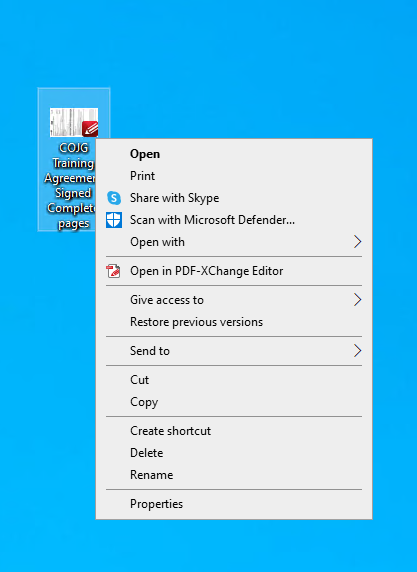
3. Select Open with
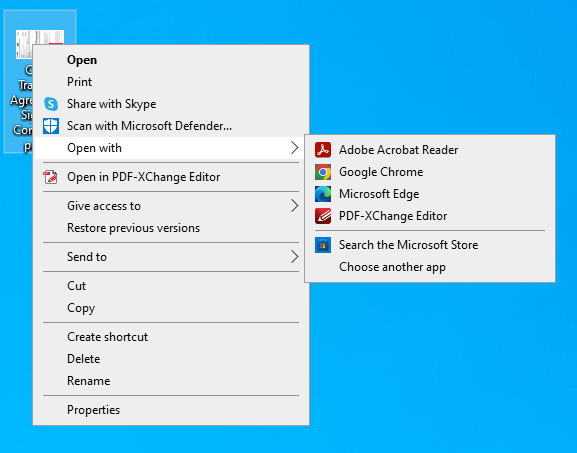
4. Select Choose another app
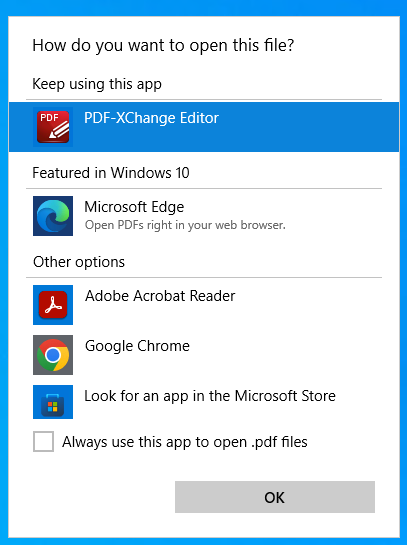
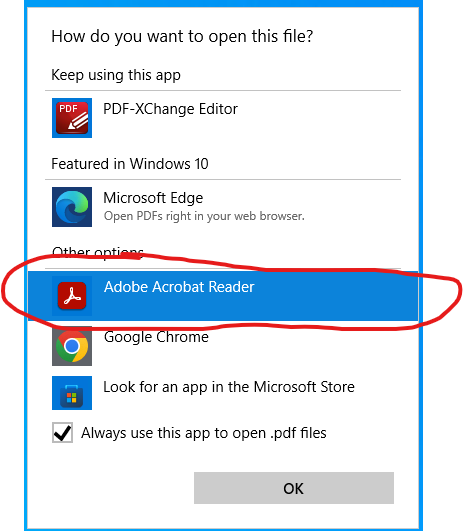
5. Check the box Always use this app to open .pdf files
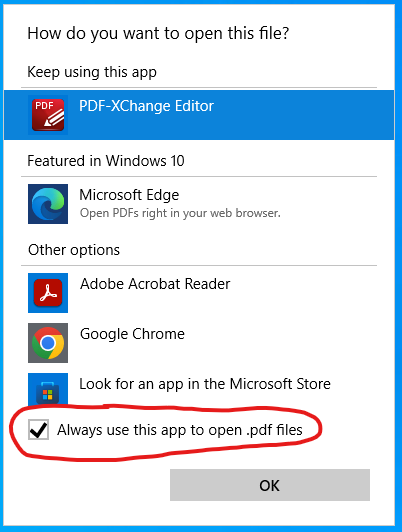
6. Select Adobe Acrobat Reader
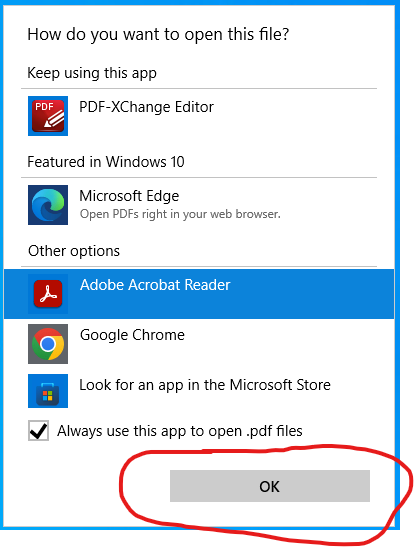
7. Click OK
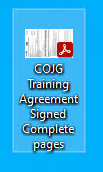
From now on all PDF icons will have Adobe logo and they will be opening with Adobe Acrobat
|
Rate this Topic:
|
|||
|
